
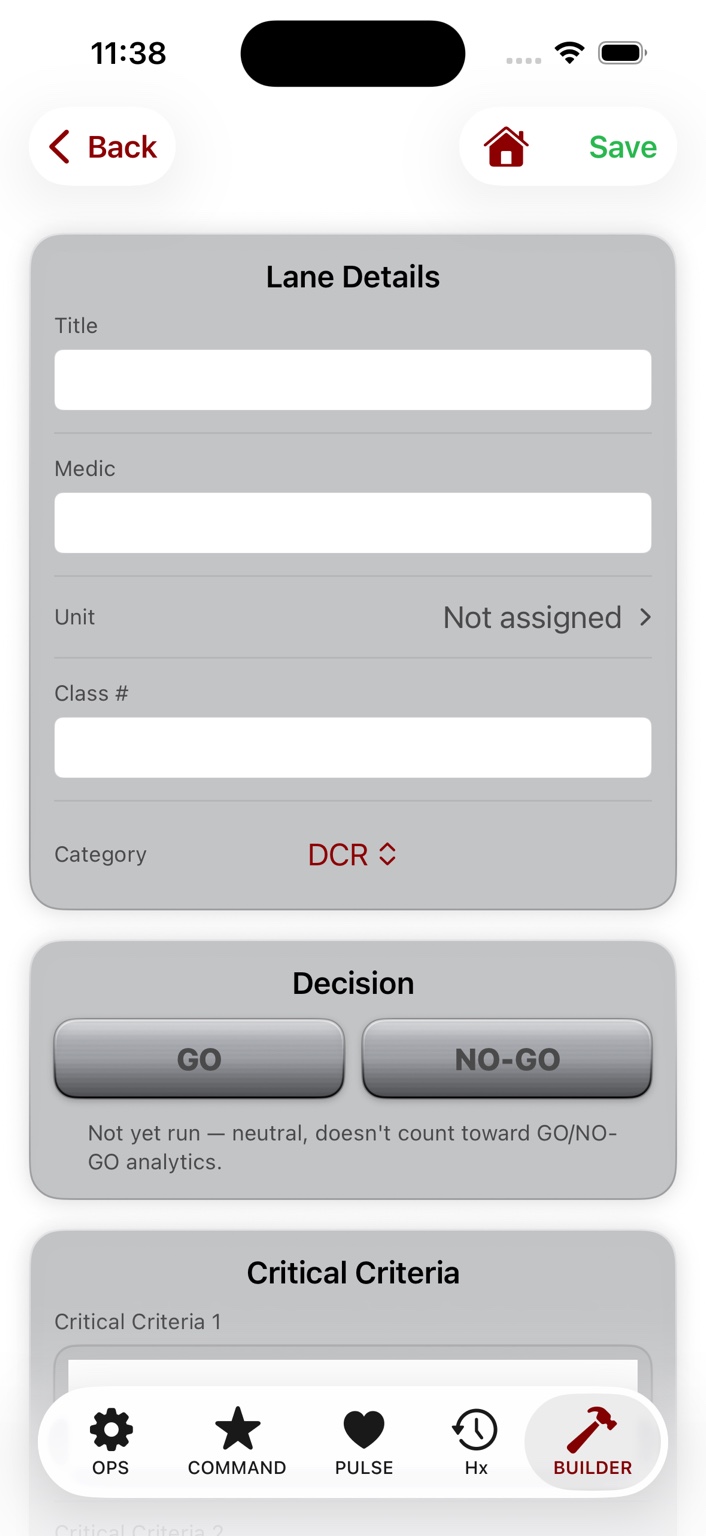
Scenario design
Lane Authoring
Build patient context, critical criteria, and the instructional structure of the Lane.
Instructor-first training performance platform
PulseForm connects scenario authoring, instructor-controlled execution, and objective Timeline capture into one continuous record — built to strengthen after-action review and improve instruction over time, without replacing instructor judgment.
Interested in evaluating PulseForm with your organization? Explore limited institutional pilot opportunities.
No patient data, lane answer keys, or operationally sensitive content is published here.
Built around instructor authority
Most training tools record fragments: a score, a checklist, a monitor value. PulseForm is built around the complete instructional chain — from scenario intent to live execution, objective Timeline, and after-action review — without taking authority away from the person running the scenario.
The instructor stays in command of the scenario, the patient, and the record. PulseForm supports that authority — it never acts autonomously and never overrides an instructor's decision.
PulseForm does not diagnose, treat, or make clinical decisions. It is a training and simulation platform only — never a diagnostic device or patient monitor.
Expected actions and critical criteria authored by an instructor stay with that instructor. Students never see an answer key during a run.
Analytics are meant to strengthen instruction and highlight practice — never to rank, condemn, or expose an individual's performance outside its intended review context.
The connected operating spine
PulseForm is not a vitals simulator. Every Lane follows the same disciplined path — one continuous, attributable record from the instructor's intent to what the student actually did.
Author scenario intent, patient context, and instructional structure.
Author starting physiology as three plain-language states — a starting point, an optional intermediate change, and the untreated endpoint if no effective intervention changes course.
Execute the Lane under direct instructor control — the instructor decides which patient the monitors are showing and how their condition presents.
Preserve objective events on a patient-attributed Timeline as they occur — not a reconstructed narrative afterward.
See what actually occurred, attributed to the right patient, in the order it happened.
Turn preserved evidence into a stronger after-action review.
Carry curriculum and performance learning forward across runs and cohorts.
PulseForm Mobile
A representative look at the current, real product — not a mockup. One instructor, one device, moving through the same disciplined path every time: author the Lane, control the patient, observe and reference in the moment, and capture what actually happened.
Scenario design
Build patient context, critical criteria, and the instructional structure of the Lane.
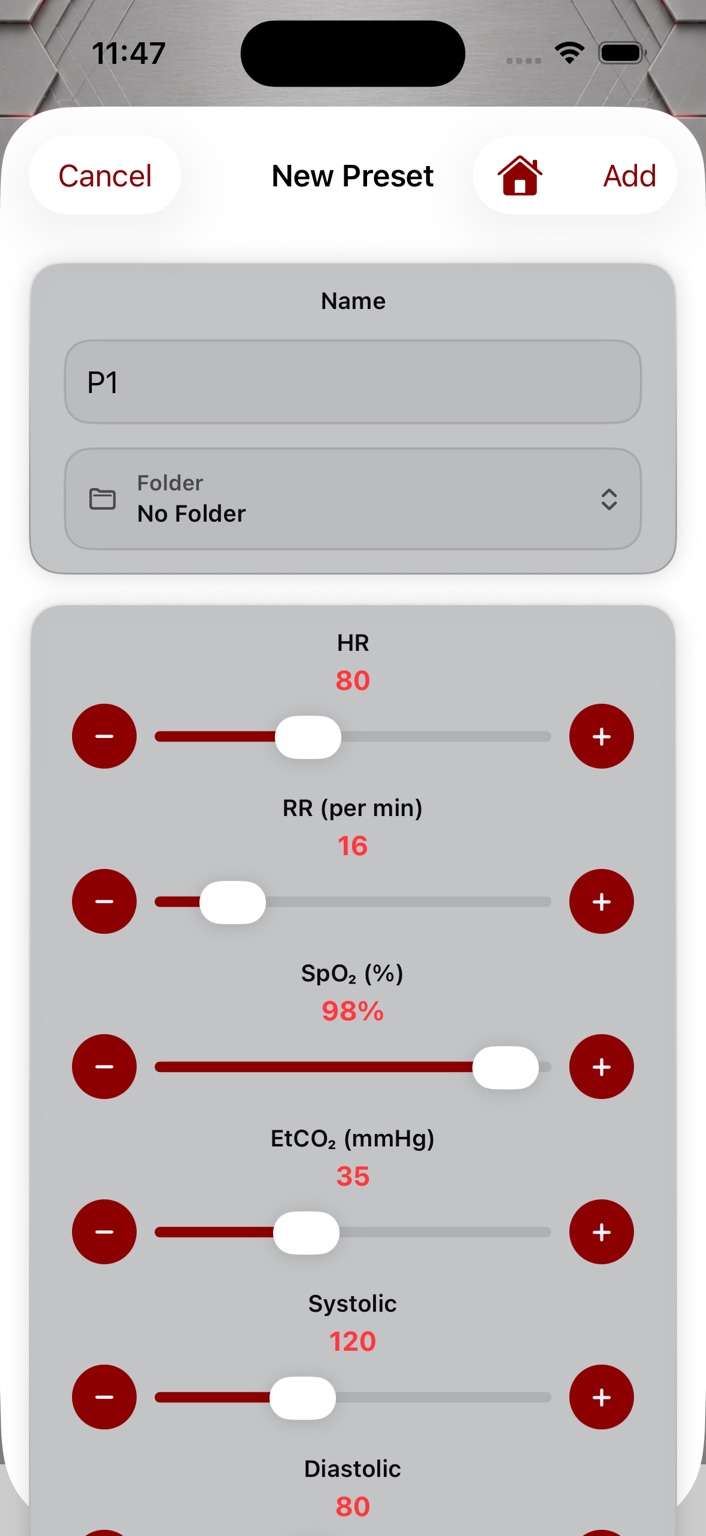
Physiology authoring
Author the starting state, an optional intermediate change, and the untreated endpoint, then set how long each untreated transition takes to occur.
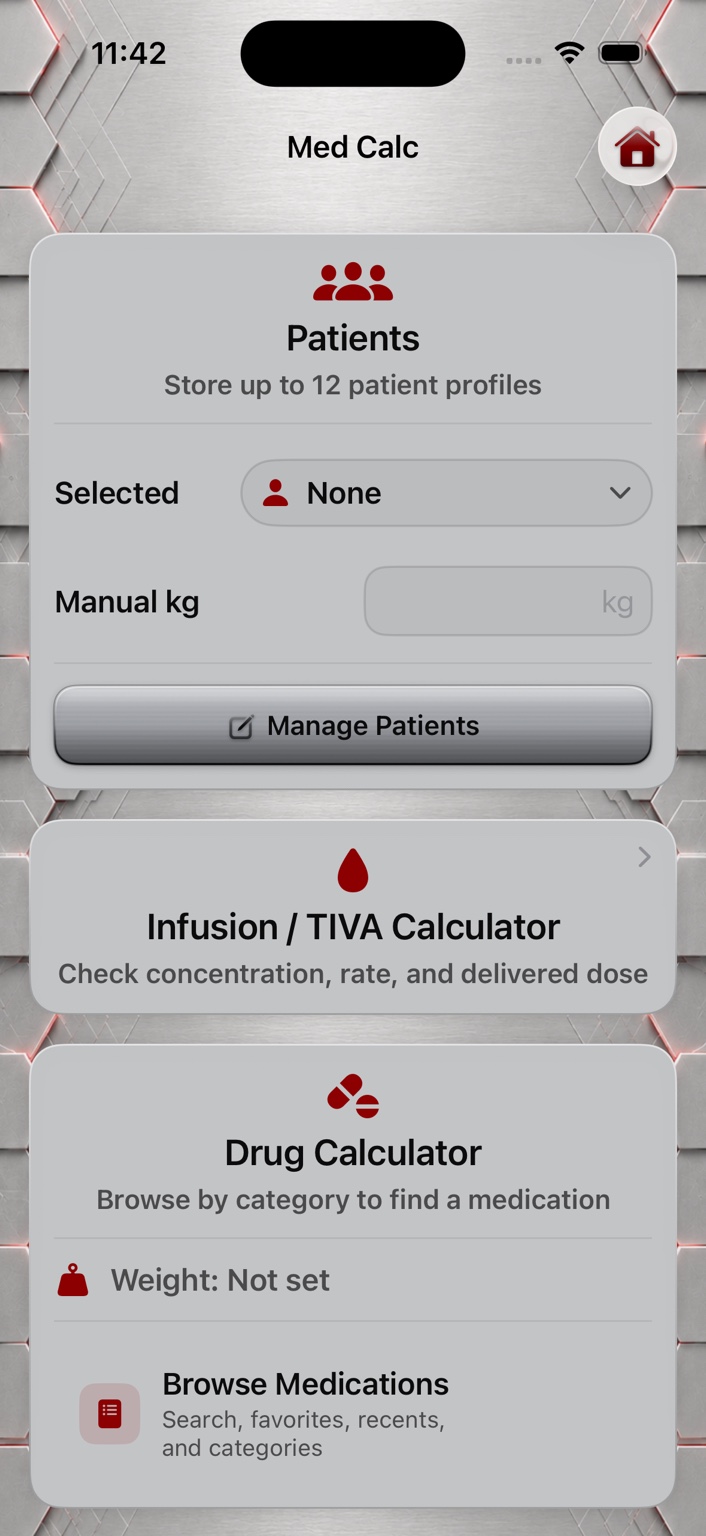
Instructor reference
Weight conversion, saved medic profiles, and route-specific dosing reference, without leaving the Lane.
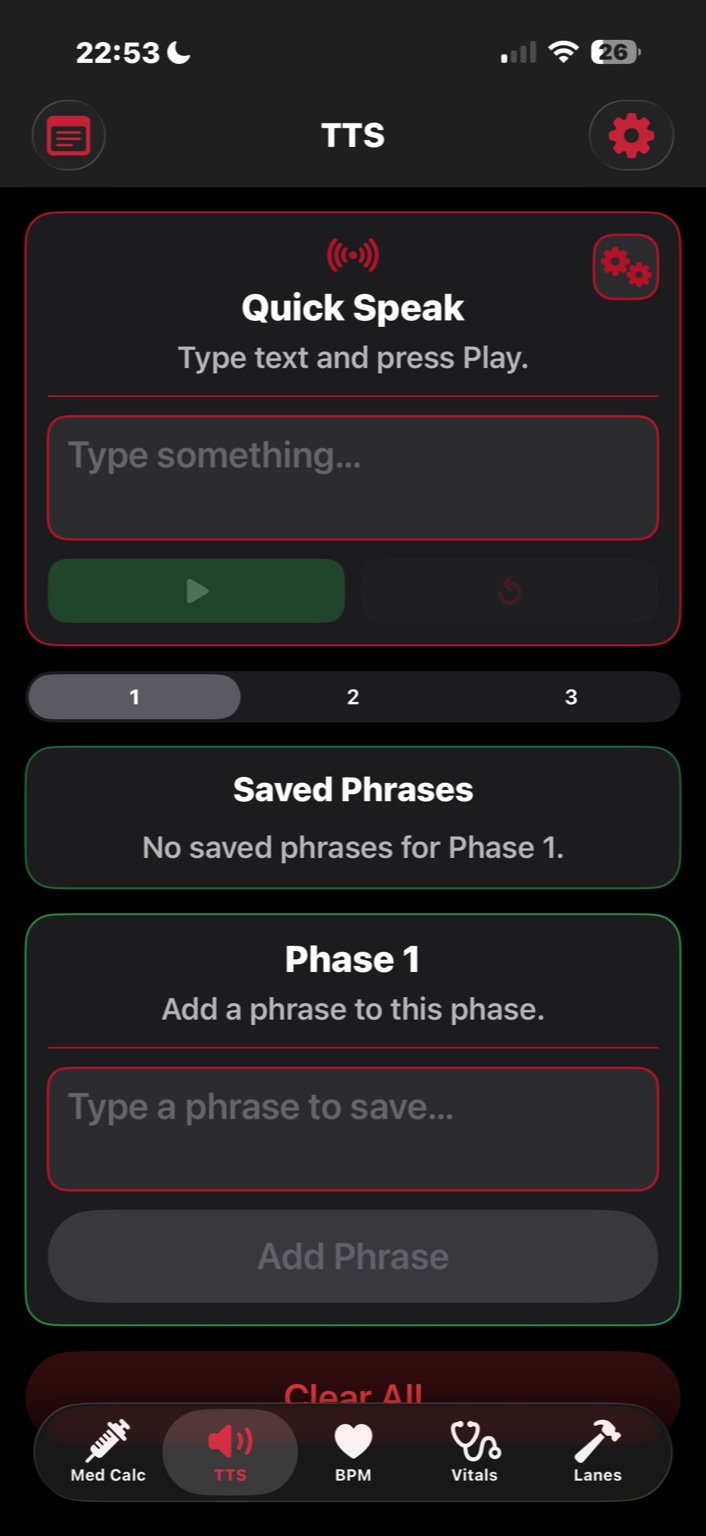
Instructor tools
Patient communication the instructor can voice directly, without breaking character or leaving the Lane.
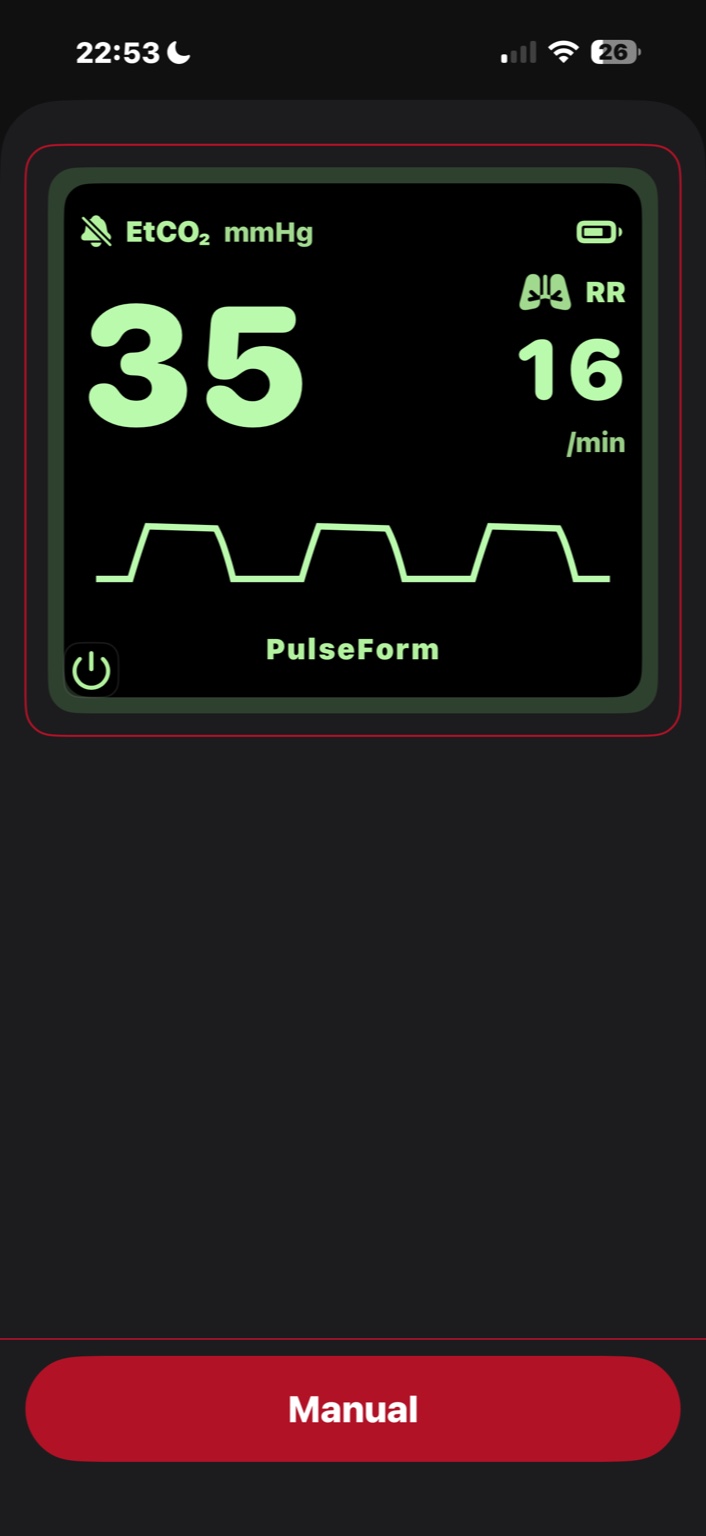
Runtime monitoring
A standalone EtCO₂ and respiratory-rate waveform monitor, controlled directly by the instructor.
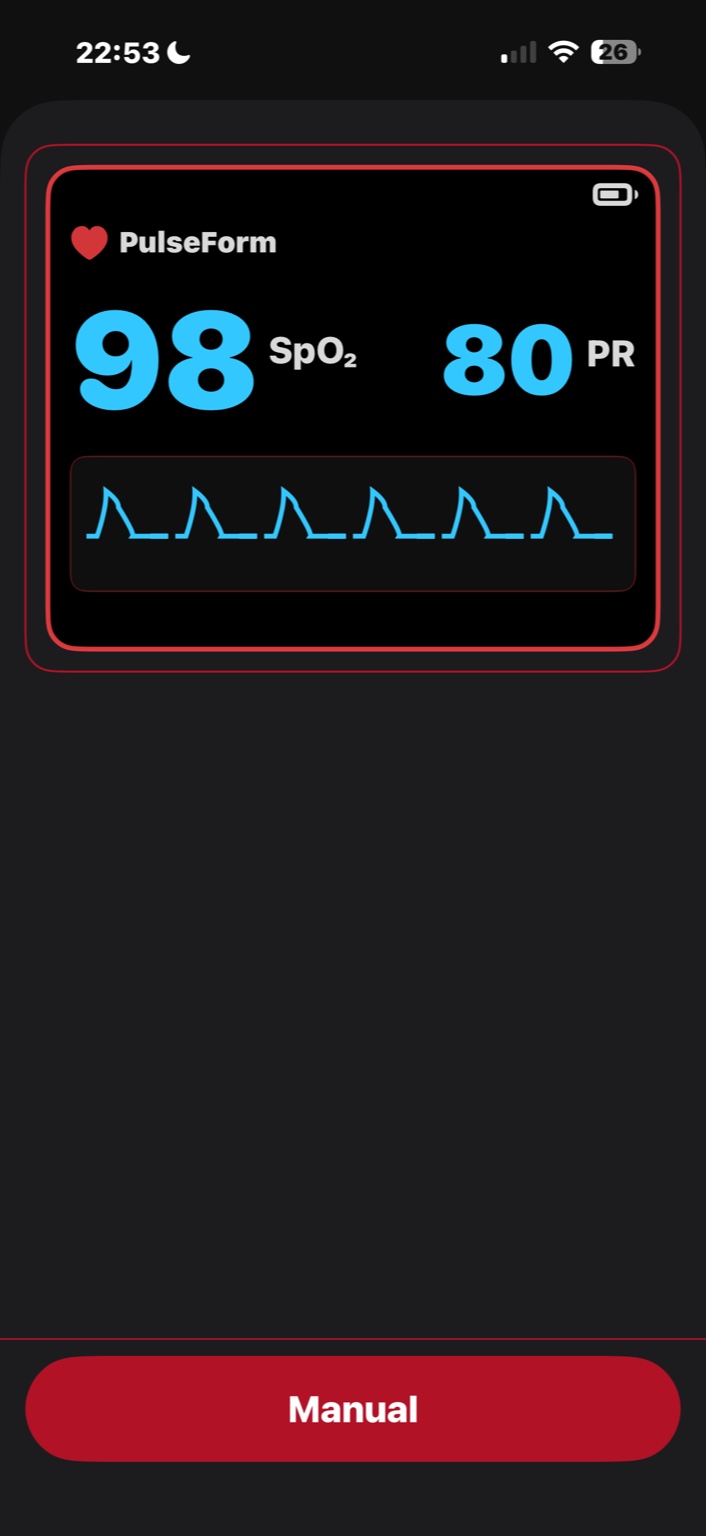
Runtime monitoring
A standalone SpO₂ and pulse-rate waveform monitor, controlled directly by the instructor.
Author Lanes and patient physiology in Lane Builder and Patient Vitals
ShippedControl which patient the monitors are showing, mid-scenario
ShippedRun standalone PulseOx, Capnography, BP, and Thermometer monitor tools
ShippedReference MedCalc dosing support and Text to Speech patient communication
ShippedPulseForm Portal
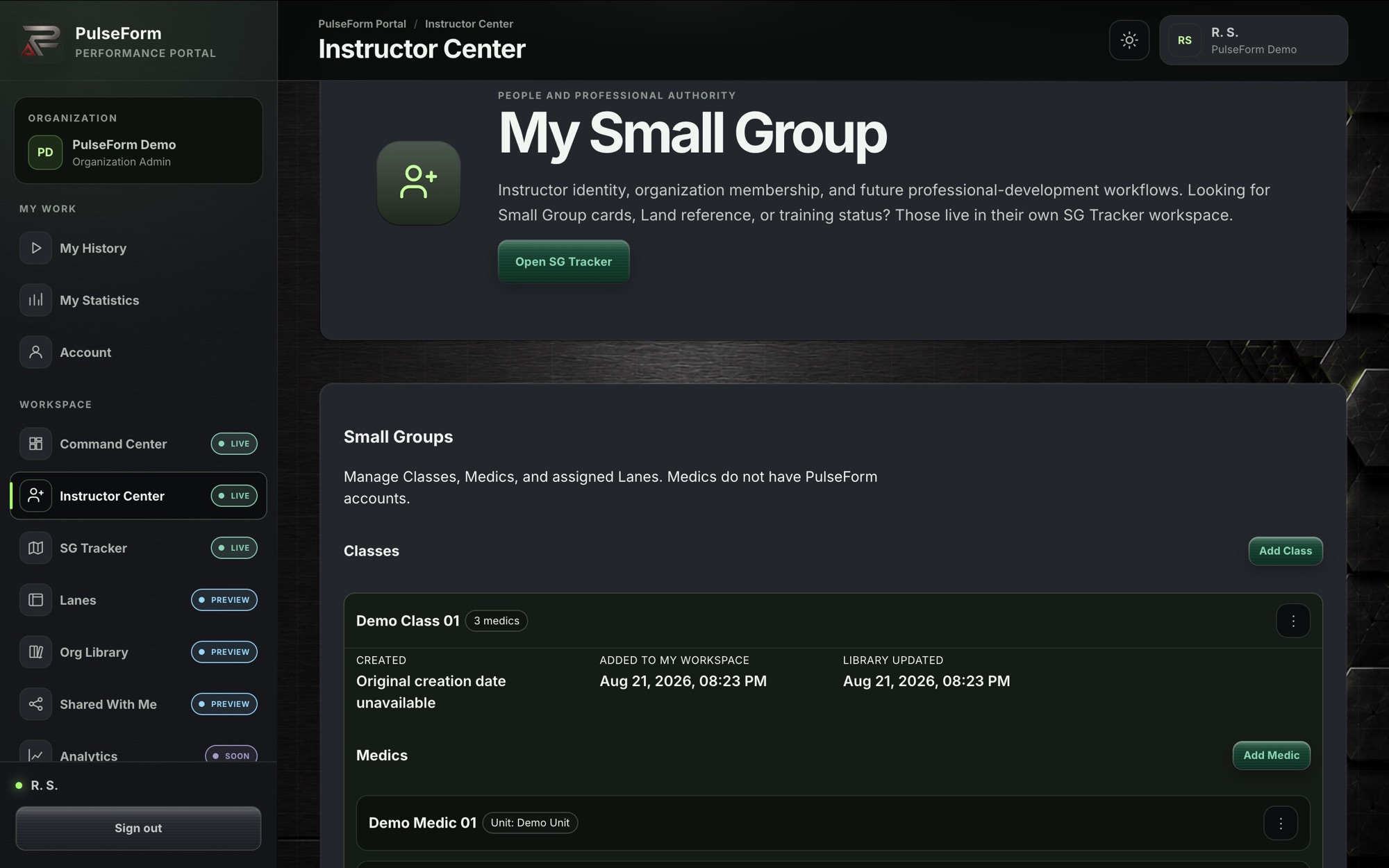
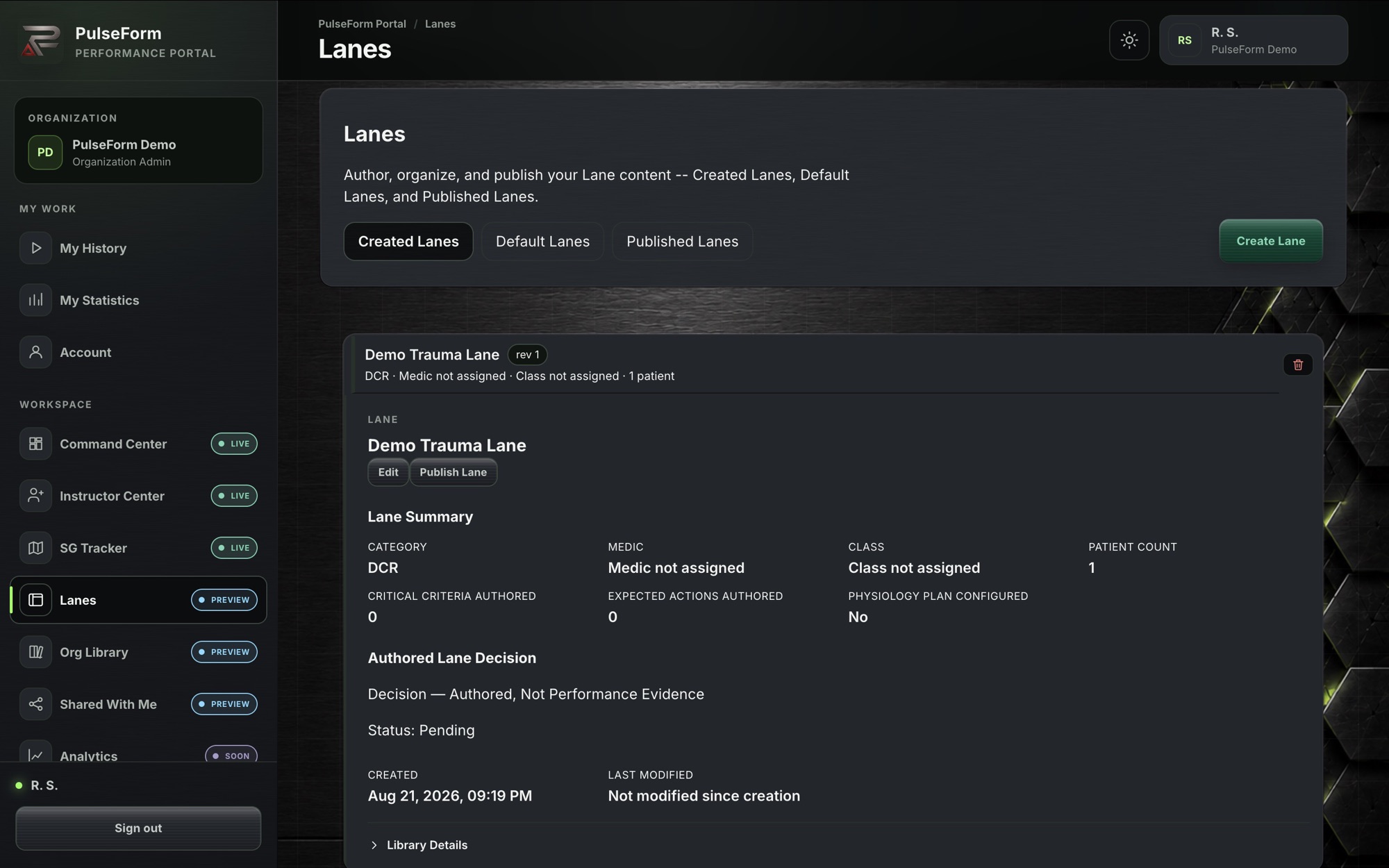
The Portal is PulseForm's web workspace for instructors and organization administrators — the same authored content and training record as Mobile, available from a desktop browser for the people who manage the program rather than run the scenario in the room.

Institutional adoption
PulseForm is built for organizations that train medics, EMS, paramedics, and tactical or austere medicine students under a real chain of instructional authority — not a consumer app repurposed for the classroom.
Currently onboarding a small number of qualified organizations for a limited evaluation partnership. Contact us to start that conversation.
Get in touch
For product questions, technical support, or account help.
For demos, pilot evaluations, institutional onboarding, or partnership inquiries.
Our Privacy Policy and Account Deletion process are both published directly on pulseformsystems.com.